
LabsLand Spaces
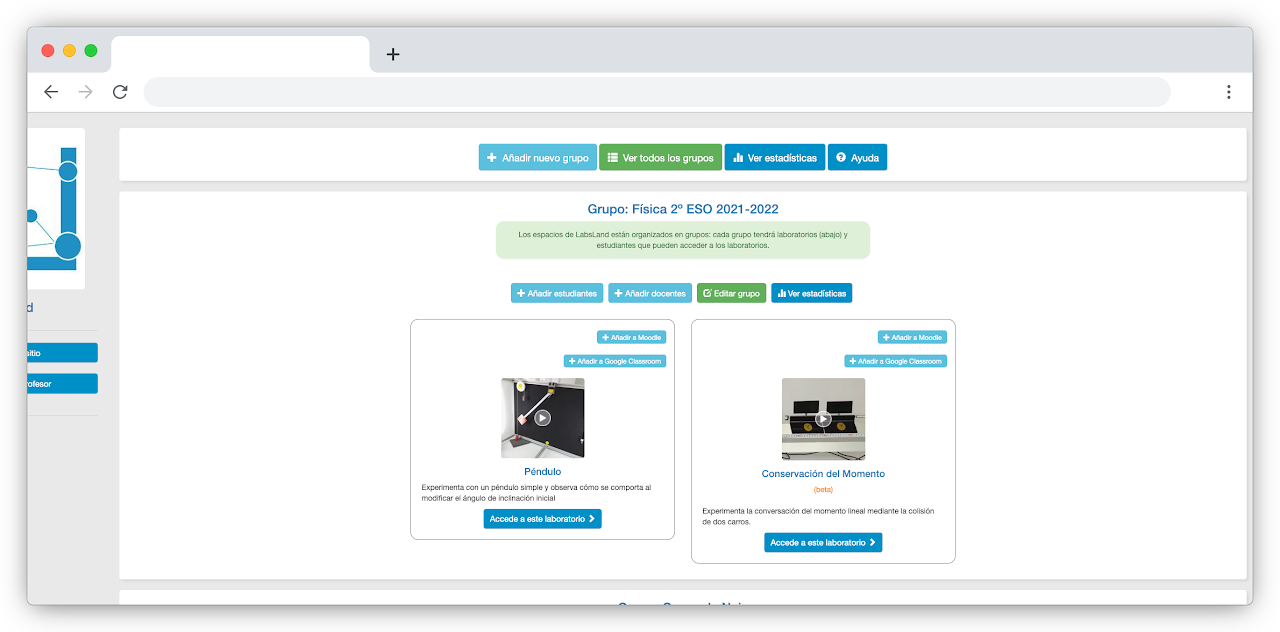
A LabsLand Space is your institution’s area in LabsLand. It is where administrators, teachers, and instructors organize groups, assign laboratories, and choose how students access the labs.
Every school, university, or organization using LabsLand normally has its own space, with a web address such as example-school.labsland.com or example-university.labsland.com.
In that space, administrators and teachers organize students into groups, decide which laboratories each group can use, and choose how students should enter the labs.
What a space contains
Section titled “What a space contains”- Administrators who configure the space and manage access.
- Teachers or instructors who can access assigned laboratories, view student activity, and manage the groups they teach.
- Groups that organize students by class, course, section, or cohort.
- Laboratory assignments that decide which labs each group can use.
- Access options such as direct links, LMS launches, or Google Classroom activities.
When to use groups
Section titled “When to use groups”Use groups when different students need different laboratories, teachers, or access methods. A school may use one group per classroom. A university may use one group per course, section, or instructor.
Groups also keep usage data easier to understand, because student activity is tied to the right teaching context instead of being mixed with every other user in the institution.
Roles in a space
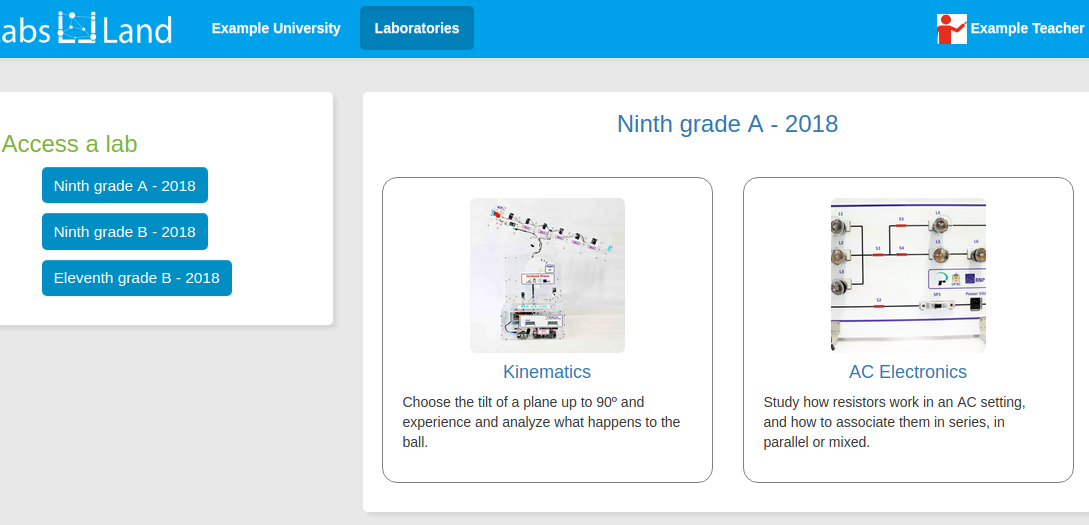
Section titled “Roles in a space”Most spaces use three practical roles:
- Students use the laboratories assigned to their group.
- Teachers or instructors can access the laboratories, view student activity, and, where available, review results or usage information for the groups they teach.
- Administrators can configure the space, create groups, invite colleagues, and assign laboratories.
What students see
Section titled “What students see”Students usually do not need to manage the space themselves. They should start from the access method prepared for them: a LabsLand link, an LMS activity, or a Google Classroom assignment.

LabsLand supports learning management systems such as Moodle, Sakai, ILIAS, Blackboard, Canvas, and similar platforms. LMS integration is useful when students should enter LabsLand from their existing course platform and, in many setups, do not need to create a separate LabsLand account.
Getting a space
Section titled “Getting a space”If your institution does not yet have a LabsLand space, contact LabsLand support and request one for your school, university, or organization. Once the space exists, the next practical step is to create the first group and assign laboratories.
Next step
Section titled “Next step”Continue with Creating groups and assigning laboratories.